

01
What word?
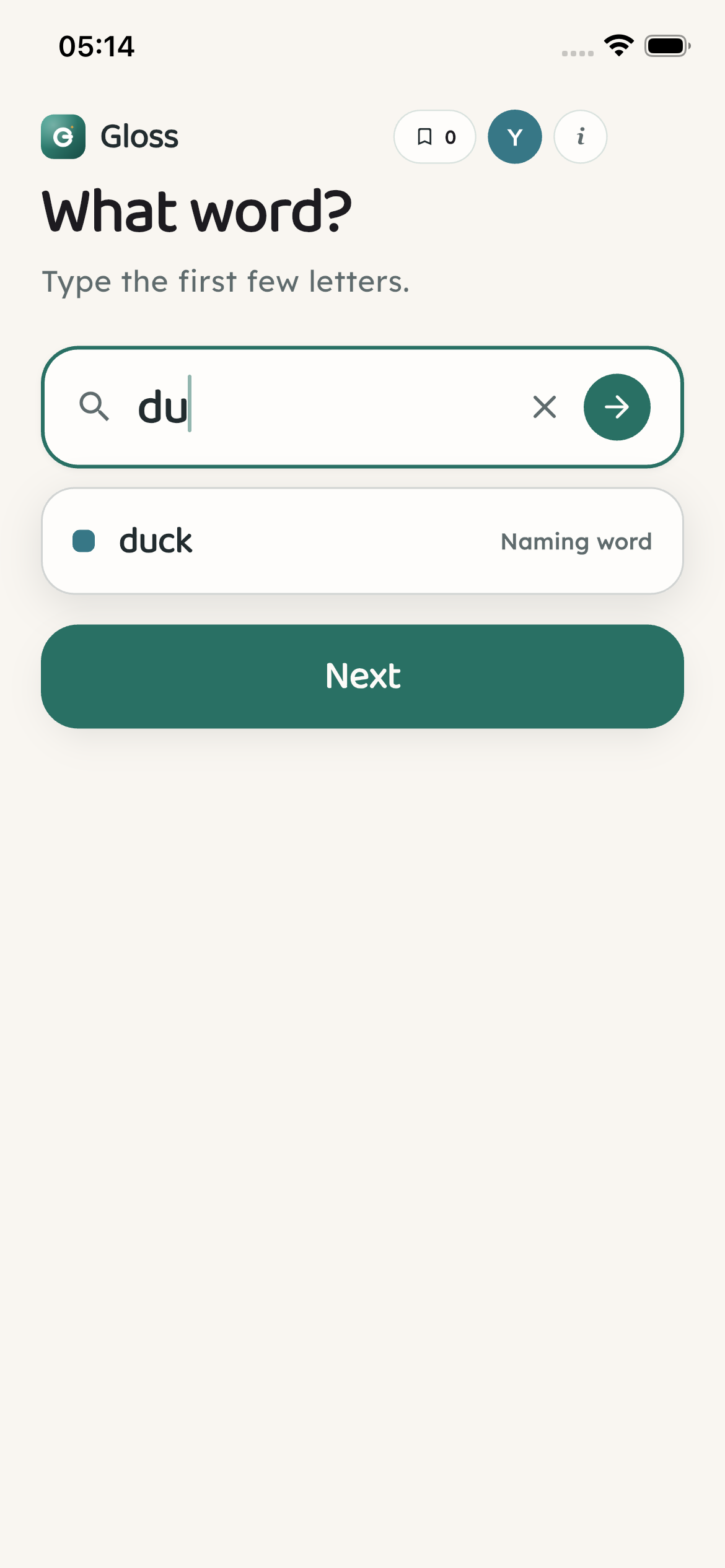
Home opens on a big “What word?” field. Type two or three letters and suggestions appear right away. The top bar shows how many words you've met, who's reading, and About.
Open Gloss → What word?

The word from your book — made clear in a breath
Gloss sits beside a real book. Type a few letters, get one short meaning in words a child can read, and get back to reading. No account, no ads, no tracking. Words you look up stay on this device; if a word is missing, or you report a problem, just that is sent to us — nothing about you.
Works offline · no account · no ads · no tracking
Below is what a child or parent actually meets, step by step — look up a word, keep a list of words you've met, and quiz yourself when you're ready.
Looking up a word
Phone on the table, book in hand. Find the word, skip anything you don't need, read the meaning, move on.
Home opens on a big “What word?” field. Type two or three letters and suggestions appear right away. The top bar shows how many words you've met, who's reading, and About.
Open Gloss → What word?
Each suggestion shows a little color cue for the kind of word it is (a naming word, a doing word, a describing word…), the word itself, and a plain label a child can understand.
Type a few letters
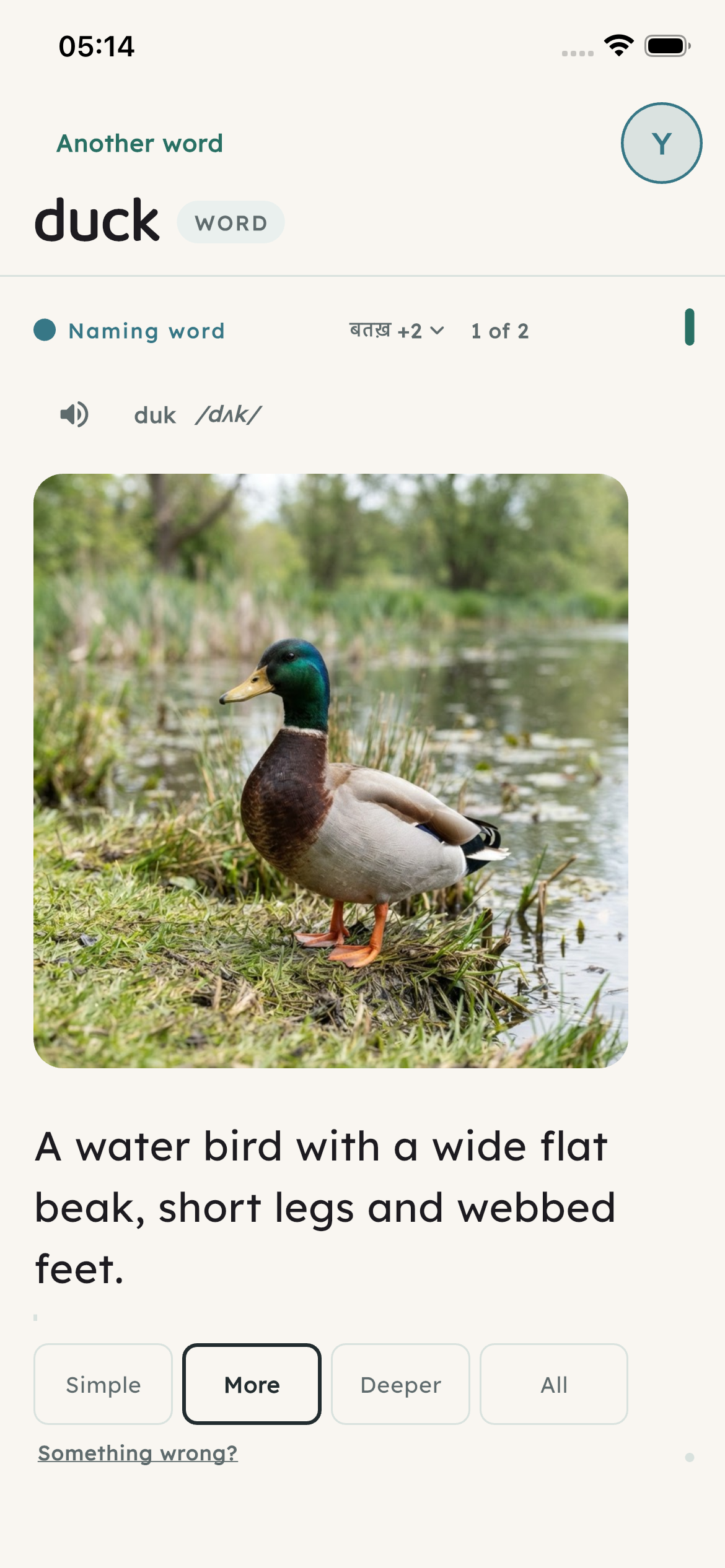
The word is large and easy to see, with one kid-plain sentence at four depths — pictures arriving word by word. Tap the speaker to hear it. The word is quietly saved to this reader's list.
Show meaning
One tap returns to a clean home. Every word you look up stays on this device for later review or a quiz.
Meaning → Another word
Readers & practice
Siblings (or a parent and child) can each keep their own word list. No email, no cloud, no sign-in.
Tap the colored avatar to switch readers or add another (You, Reader 2, …). Lists stay separate on this phone or tablet.
Avatar → Who's reading?
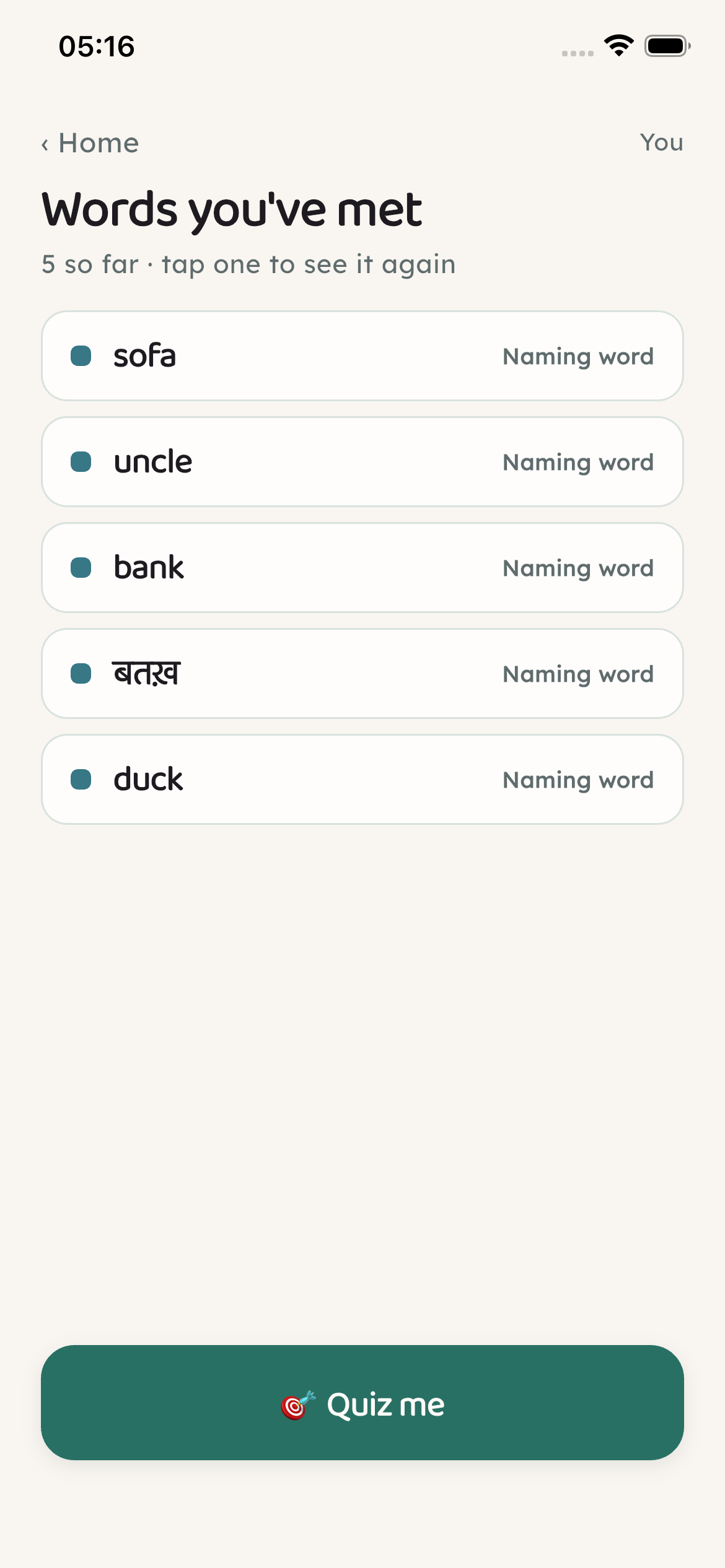
The bookmark shows how many words this reader has looked up. Open the list to see a meaning again. Empty state: “No words yet — look one up and it lands here for later.”
Bookmark → Words you've met
Once there are at least three words, Gloss shows a picture and asks “Which word?” with three choices. A short quiz, a score, play again — all offline from words you've already met.
Words you've met → Quiz me
Also handy
Typing always works — the suggestions catch a missed letter. Parents use the phone's own pin tools — not a separate app password.
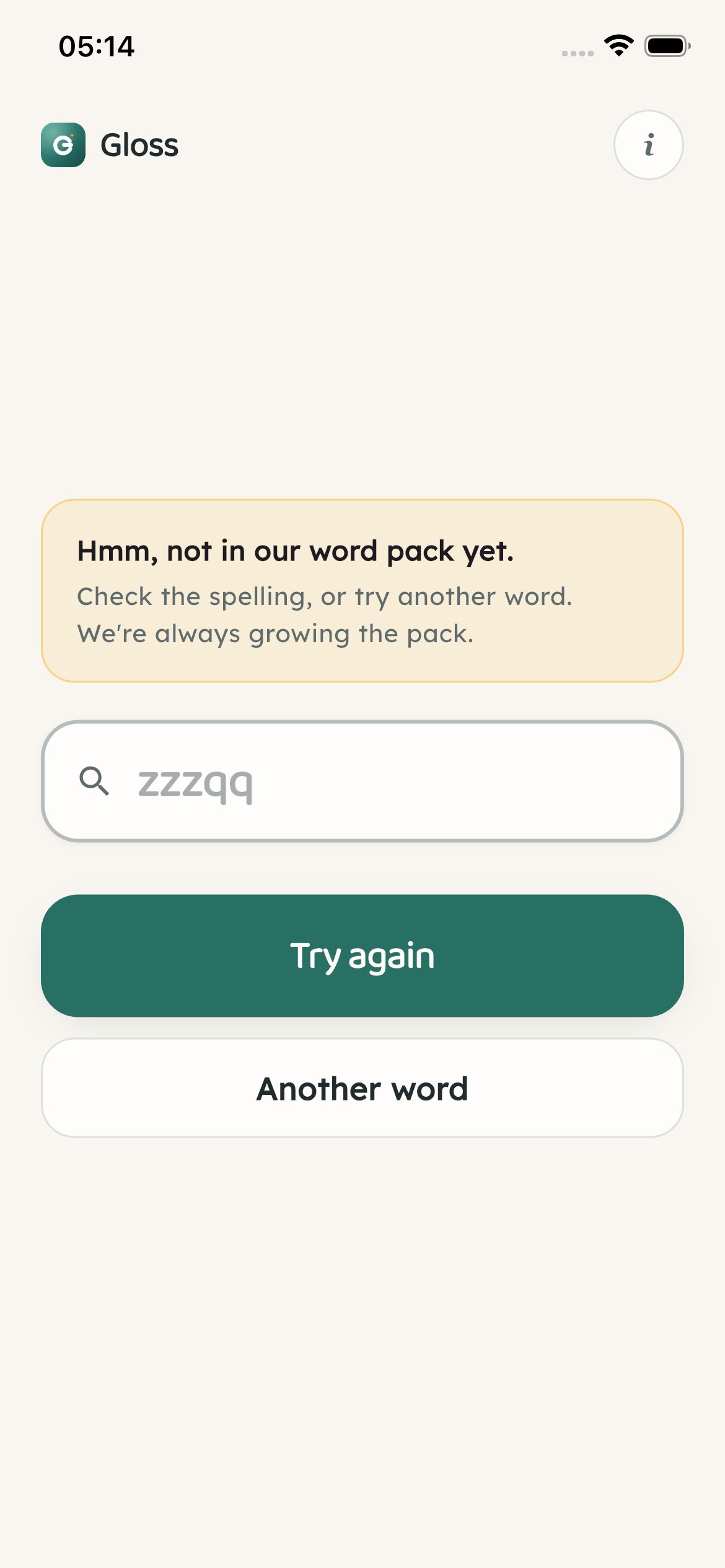
If a spelling isn't known yet, Gloss says so gently: “Hmm, not in our word pack yet.” Try again with another guess — no dead ends or ads.
Unknown spelling
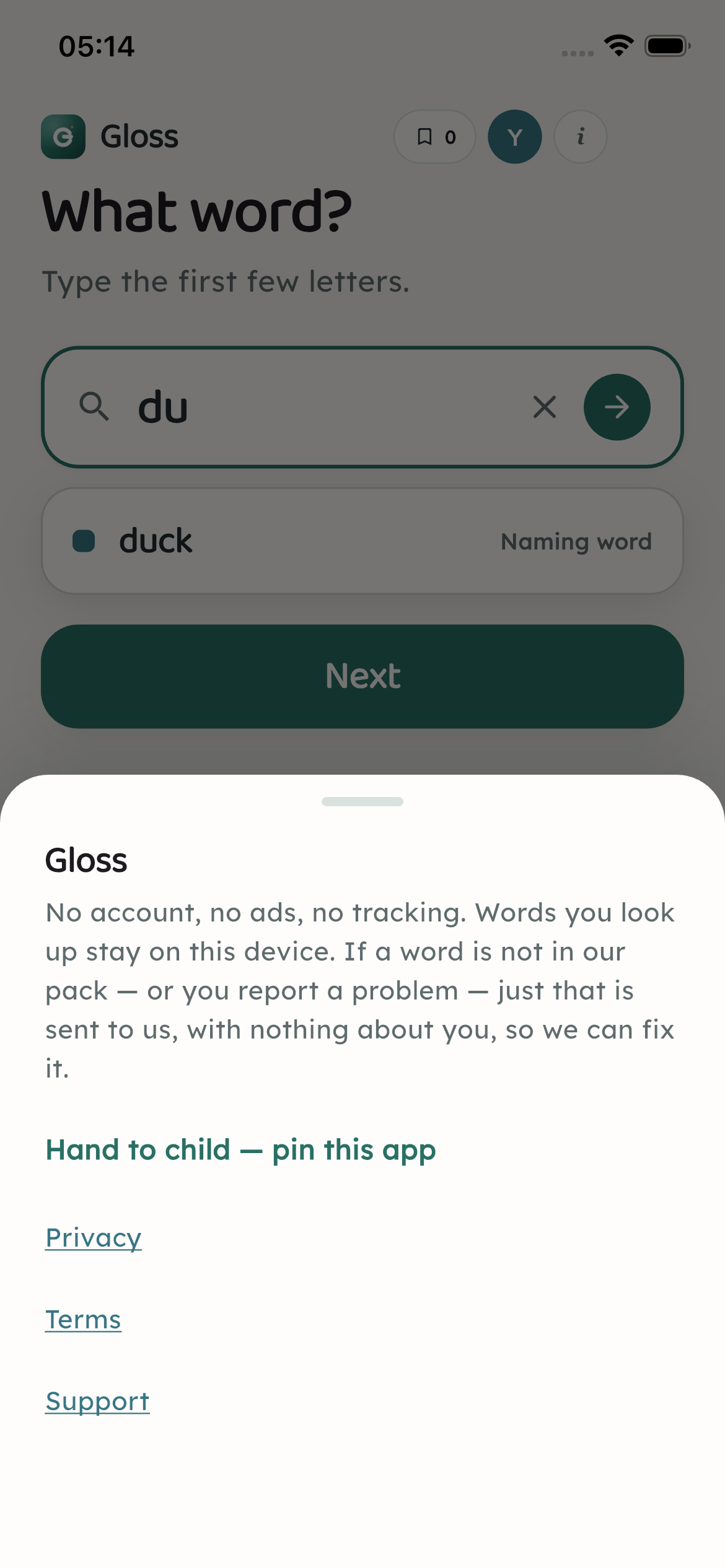
The small “i” opens About: the offline promise, Privacy and Terms, Support, and simple steps to pin the app for a child (Guided Access on iPhone, screen pinning on Android).
Header i → About
How it feels
Soft paper colors, a gentle green, and meanings that show the right kind of picture for the word — a thing, an action, a before-and-after, and more.
A warm paper background, soft green for the main actions, and a golden Speak button. Easy to look at next to a real book at the table.
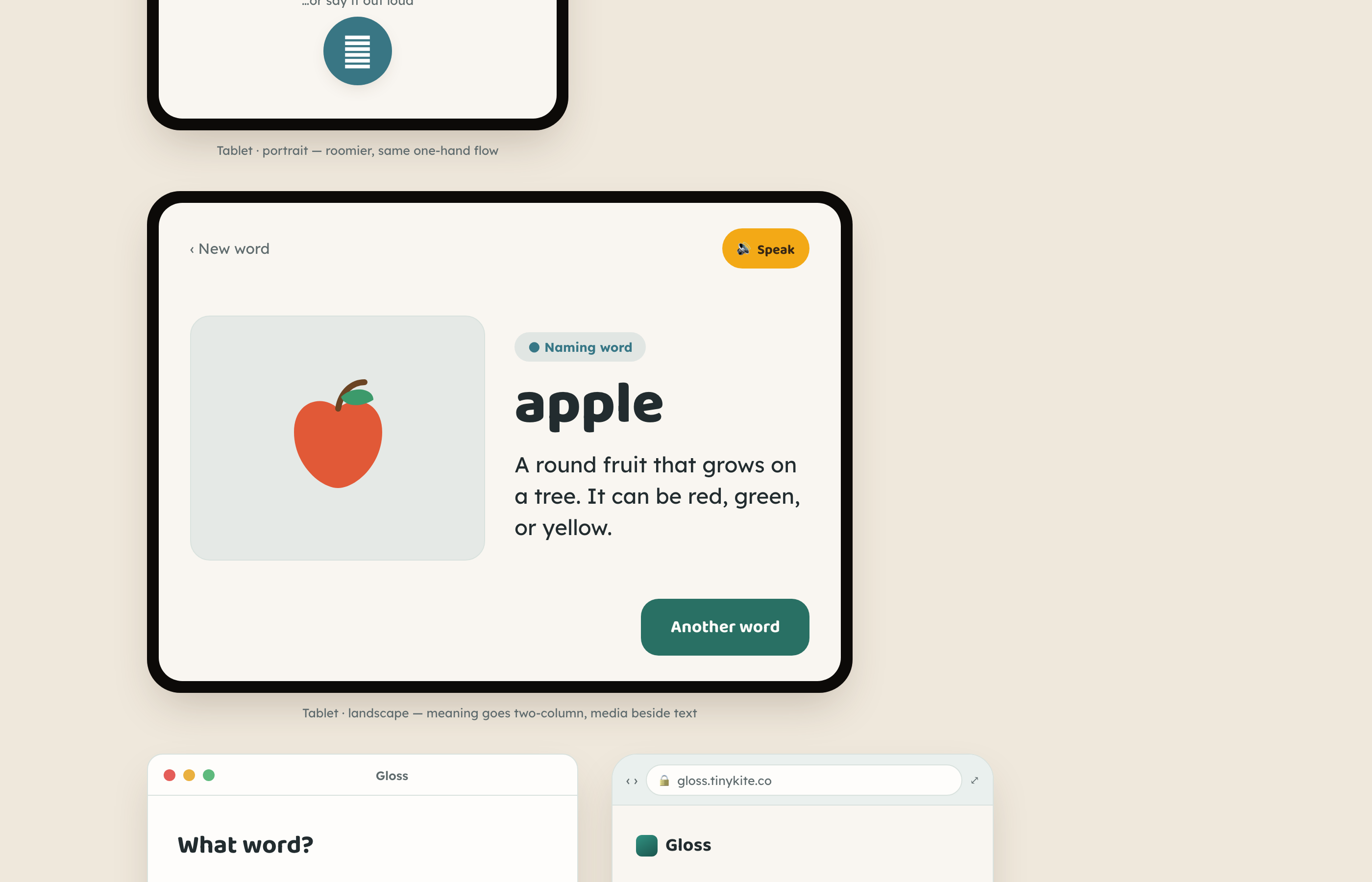
Naming words get a picture. Doing words can show motion. Describing words can show before and after. The goal is always: see it, get it, keep reading.
Words and meanings live on the device. Lookups don't need Wi‑Fi or a data plan — ideal on the sofa, in the car, or at a cabin.
A few common ways families use Gloss — at the table, on the sofa, or when a hard word stops the story.
Calm and private. Type a few letters if saying the word is hard — then back to the book.
Explore the featuresNo ads, no tracking. Help give every word a picture, in your family’s language — express interest.